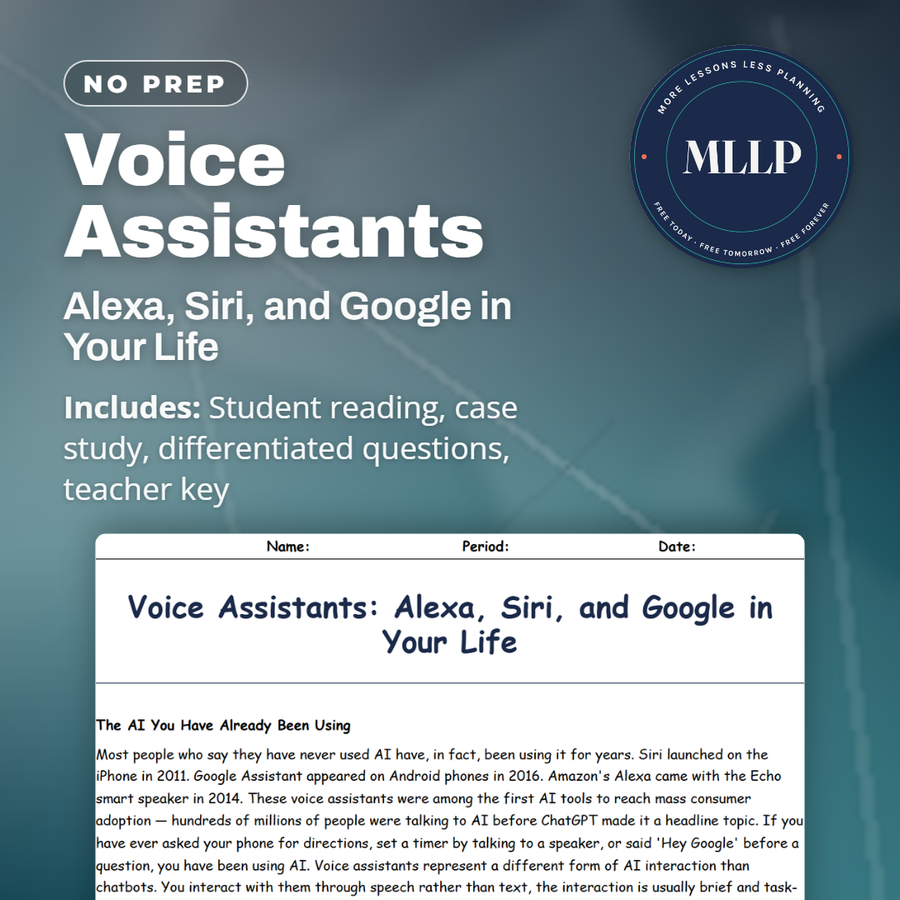
Voice Assistants: Alexa, Siri, and Google in Your Life
Quality reviewed September 2026
Facts verified September 20, 2026
- Subject
- Career & Life Skills
- Grades
- Grades 9-12
- Length
- 9-page student worksheet
- Time
- About one 50-minute class period
- Great for
- Sub plans and independent work
- Includes
- Reading passage, comprehension questions + full answer key
- Format
- Print-and-go PDF
What students do
- Five terms, from wake word to always-on microphone, get matched against their definitions
- Three fill-in-the-blank sentences use the reading's own language about nuance and human reviewers
- Answer three multiple choice questions about the three-step process behind every voice command
- Write a short answer response describing what the Okafor family changed after finding the recording
What it covers
- All six passages on how voice assistants work, their limits, and ecosystem lock-in
- The key info table listing each assistant's ecosystem and the three-step process
- The Okafor family's case study and its two model-answer short response questions
Start reading this worksheet
The AI You Have Already Been Using
Most people who say they have never used AI have, in fact, been using it for years. Siri launched on the iPhone in 2011. Google Assistant appeared on Android phones in 2016. Amazon's Alexa came with the Echo smart speaker in 2014. These voice assistants were among the first AI tools to reach mass consumer adoption; hundreds of millions of people were talking to AI before ChatGPT made it a headline topic. If you have ever asked your phone for directions, set a timer by talking to a speaker, or said 'Hey Google' before a question, you have been using AI. Voice assistants represent a different form of AI interaction than chatbots. You interact with them through speech rather than text, the interaction is usually brief and task-focused rather than conversational, and they are deeply integrated into hardware: phones, speakers, cars, watches, televisions. Understanding how they work and what they can and cannot do well gives you a clearer picture of AI's real shape in everyday life.
How Voice Assistants Work
Voice assistants process your request in three steps. First, speech recognition converts what you said into text. This is a significant technical challenge. Human speech includes accents, background noise, mumbling, contractions, and ambiguous pronunciation that requires the system to make constant probabilistic decisions about what words were spoken. Modern speech recognition is highly accurate under good conditions but degrades noticeably in noisy environments or with strong regional accents. Second, the system interprets the intent behind your words. This step is called natural language understanding. The assistant must decide not just what you said but what you meant. 'Play something chill' and 'play relaxing music' mean the same thing but use completely different words. 'What's the weather like in Miami' is a request for current conditions, not a weather history lesson. The assistant maps your words to one of thousands of possible intents and selects the most appropriate action. Third, the assistant executes the action: searching the web, setting a timer, playing music, calling a contact, or reading back a result.
What Voice Assistants Are Good At
Voice assistants excel at simple, well-defined tasks where the answer is a known fact, the action is predefined, and the interaction is brief. Setting timers, alarms, and reminders. Playing music by artist, genre, or mood. Controlling smart home devices: turning lights on or off, adjusting the thermostat, locking doors. Getting quick factual answers to clearly phrased questions. Making phone calls or sending texts by voice. Getting turn-by-turn navigation directions. Checking weather, sports scores, or stock prices. These are tasks where speed and convenience matter more than nuance. Voice assistants also work well as accessibility tools. For users with visual impairments, limited mobility, or conditions that make typing difficult, voice assistants provide a hands-free interface to information and device control. This is one of the most genuinely significant applications of AI in daily life, giving people with disabilities more independence and control over their environment and information access than was previously possible.
Like what you read? The full reading, the case study, and every question set are in the free download below, along with the answer key.
Why this matters
Most students will say they have never really used AI, right after asking Siri for the weather or telling Alexa to set a timer, and that disconnect is exactly why this reading starts with voice assistants instead of chatbots. Understanding the always-on microphone trade-off, and the fact that a device in a bedroom or a car quietly feeds data into a company's advertising business, is a decision students are already making for their families whether they realize it or not. The Okafor family's response, keeping the device but moving it, disabling features, and setting a deletion schedule, models exactly the kind of informed, deliberate choice this reading is trying to build, rather than either blind trust or a blanket refusal of a genuinely useful tool.
From one teacher to another
The Okafor family's new Amazon Echo becomes the center of kitchen life within a week, until fourteen-year-old Nadia reads about its always-on microphone and the family finds a recording it should never have made. This reading covers the AI most students have actually been using the longest: Siri, launched in 2011, Alexa in 2014, and Google Assistant in 2016, years before ChatGPT made AI a headline word. It walks through the three-step process behind every voice command, speech recognition, natural language understanding, and action execution, what these tools handle well versus badly, and the privacy trade-off of a microphone that is always listening for its wake word. A passage on ecosystem lock-in explains why choosing Alexa, Siri, or Google Assistant is also a choice about which company gets your data.
What you get
Download
Where should I send the next one?
Everything here is free and it stays that way. Leave your email and I'll send you the new lessons as they go up. You can unsubscribe from any one of them.
Related resources
AI Image Generators: Crafting Effective Prompts
AI Translation Tools and When NOT to Trust Them
AI as a Study Partner: Smart Ways to Learn With It
AI for Research: Fact-Checking and Source-Finding
AI in Microsoft Word, Google Docs, and Canva
Free vs. Paid AI: What's Worth It for a Student?
Every lesson on this site is free to download and use. If one of them saved you a prep period, you can chip in a few bucks toward my three kids' daycare fund. That's genuinely where tips go.