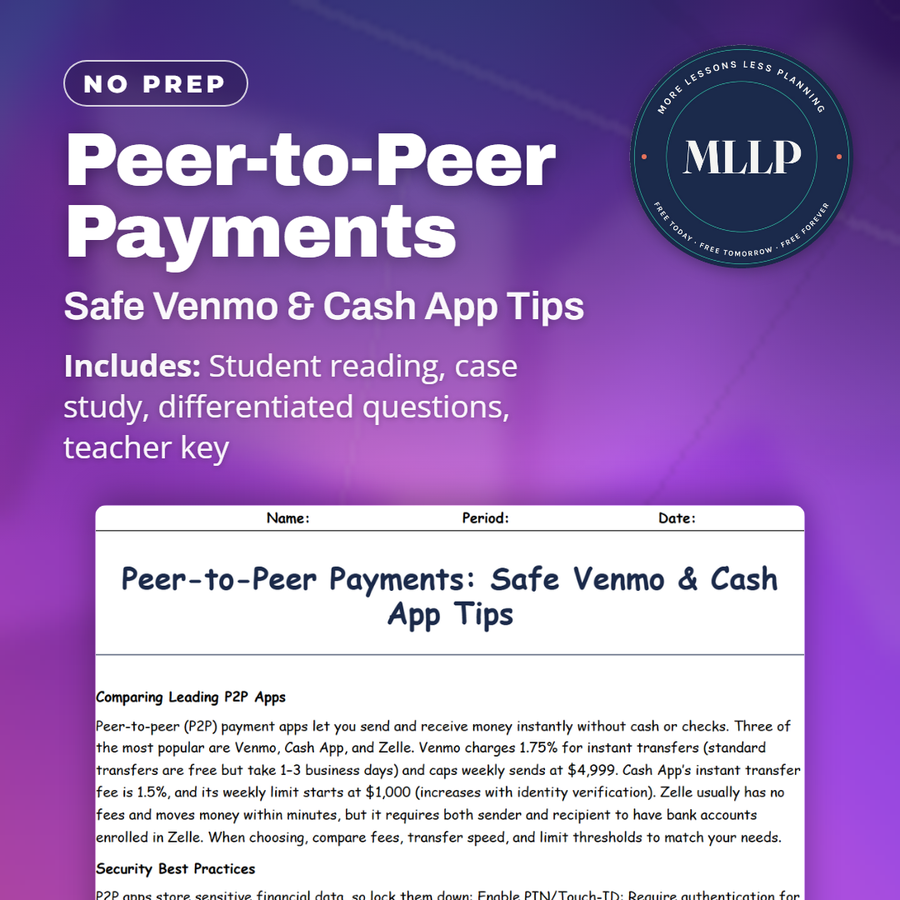
Peer-to-Peer Payments: Safe Venmo & Cash App Tips
Quality reviewed September 2026
Facts verified September 24, 2026
- Subject
- Career & Life Skills
- Grades
- Grades 9-12
- Length
- 6-page student worksheet
- Time
- About one 50-minute class period
- Great for
- Sub plans and independent work
- Includes
- Reading passage, comprehension questions + full answer key
- Format
- Print-and-go PDF
What students do
- Match five features, privacy settings, split-payment function, refund request tool, transaction alerts, and official support channels, to their benefits
- Fill in the blanks on confirming a payment cleared, enabling two-factor authentication, and using the built-in refund request feature
- Answer multiple choice questions on which app charges no fees for standard transfers, what two-factor authentication does, and when it's safe to refund money
- Write short answers on two P2P fraud schemes and how to avoid them, why private transaction settings matter, and what to do if a payment never arrives
What it covers
- A comparison of Venmo, Cash App, and Zelle on fees, transfer speed, and weekly sending limits
- Security practices like two-factor authentication, monitoring activity daily, and setting transactions to private
- A case study on Ava, who refunded $150 to a scammer claiming an overpayment before the original payment ever cleared
Start reading this worksheet
Comparing Leading P2P Apps
Peer-to-peer (P2P) payment apps let you send and receive money instantly without cash or checks. Three of the most popular are Venmo, Cash App, and Zelle. Venmo charges 1.75% for instant transfers (standard transfers are free but take 1–3 business days) and caps weekly sends at $4,999. Cash App’s instant transfer fee is 1.5%, and its weekly limit starts at $1,000 (increases with identity verification). Zelle usually has no fees and moves money within minutes, but it requires both sender and recipient to have bank accounts enrolled in Zelle. When choosing, compare fees, transfer speed, and limit thresholds to match your needs.
Security Best Practices
P2P apps store sensitive financial data, so lock them down: Enable PIN/Touch-ID: Require authentication for each app session. Use Two-Factor Authentication (2FA): Link your phone or authenticator app for extra login security. Monitor Activity: Check transaction history daily for unauthorized charges. Update App Regularly: Install security patches promptly to block known vulnerabilities. Set Privacy Controls: On Venmo, switch transactions to “private” so only you and the recipient see them.
Dangers of Sending to Strangers
Scammers often pose as buyers—especially when selling items online. Common schemes: Overpayment Fraud: They send you more than the asking price, ask you to refund the difference, then their original payment bounces. Fake Payment Screenshots: They show doctored confirmations and claim the money is “pending.” Phishing Links: They text or email fake login screens to capture your credentials. Never refund money before seeing it in your bank account, and always confirm payment receipts within the app itself (not via screenshot).
Like what you read? The full reading, the case study, and every question set are in the free download below, along with the answer key.
Why this matters
Selling a used item or splitting a pizza bill through an app feels casual, but the reading shows scammers target that exact feeling by asking for a fast refund before a payment has actually cleared. Any student who sells things online or splits costs with friends is a target for the same overpayment trick that caught Ava, so confirming money in the app before acting is a habit worth building early.
From one teacher to another
Venmo, Cash App, and Zelle get compared on fees and limits early in this reading, noting that Venmo charges 1.75% for instant transfers and caps weekly sends at $4,999, while Zelle usually charges nothing but requires both people to have enrolled bank accounts. It covers security steps like enabling a PIN or two-factor authentication, checking transaction history daily, and setting Venmo transactions to private, then warns about overpayment fraud, doctored payment screenshots, and phishing links from strangers buying items online. The overpayment scam turns up in action when a buyer claimed to have sent Ava $200 for her concert tee, she refunded $150 before checking her actual balance, and only recovered her money after reporting the unauthorized activity to Cash App and enabling two-factor authentication.
What you get
Download
Where should I send the next one?
Everything here is free and it stays that way. Leave your email and I'll send you the new lessons as they go up. You can unsubscribe from any one of them.
Related resources

Big Purchase Planning: Save for Gadgets & More
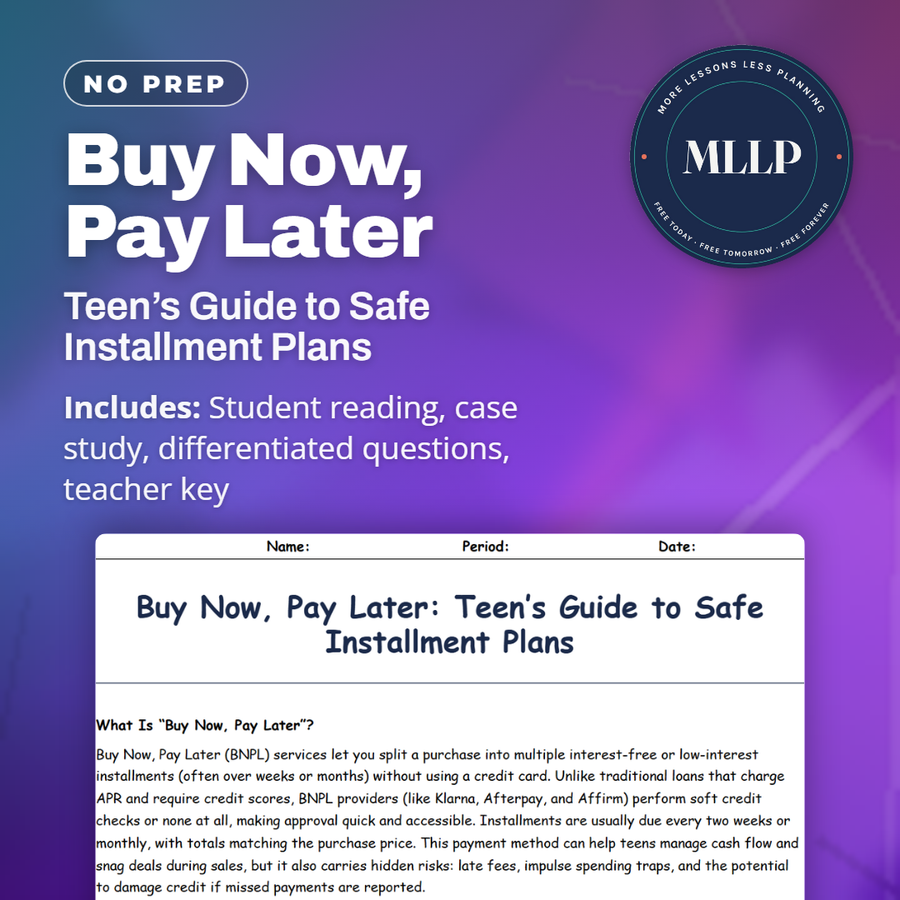
Buy Now, Pay Later: Teen’s Guide to Safe Installment Plans
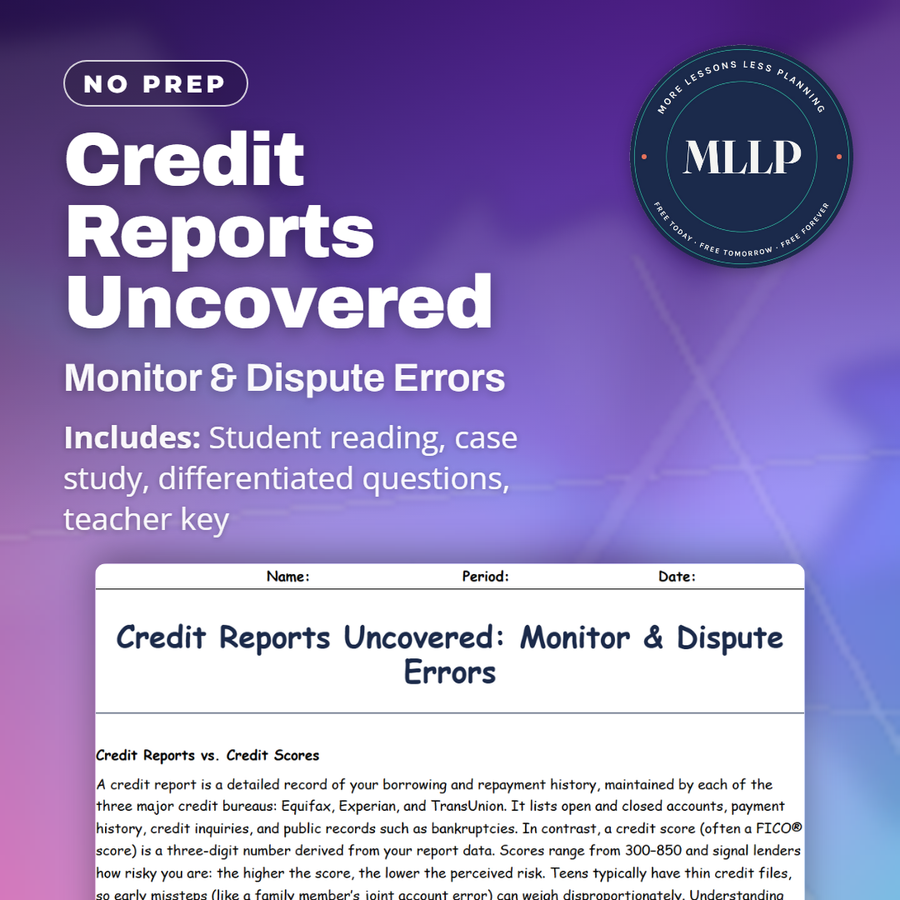
Credit Reports Uncovered: Monitor & Dispute Errors
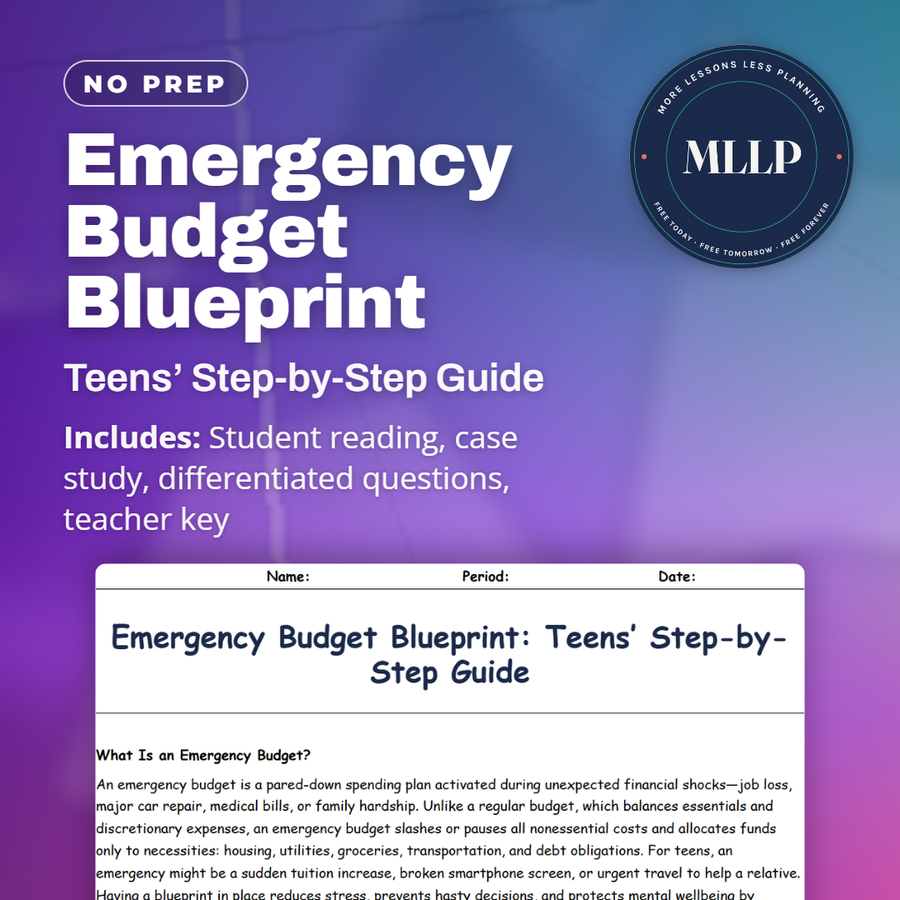
Emergency Budget Blueprint: Teens’ Step-by-Step Guide
Finance Jargon Buster: Essential Terms for Teens
Hidden Bank Fees: Slash Your Sneaky Charges
Every lesson on this site is free to download and use. If one of them saved you a prep period, you can chip in a few bucks toward my three kids' daycare fund. That's genuinely where tips go.