Budgeting Apps - Mint, YNAB and Your Phone
Quality reviewed September 2026
- Grades
- Grades 9-12
- Time
- About two 50-minute class periods
- Includes
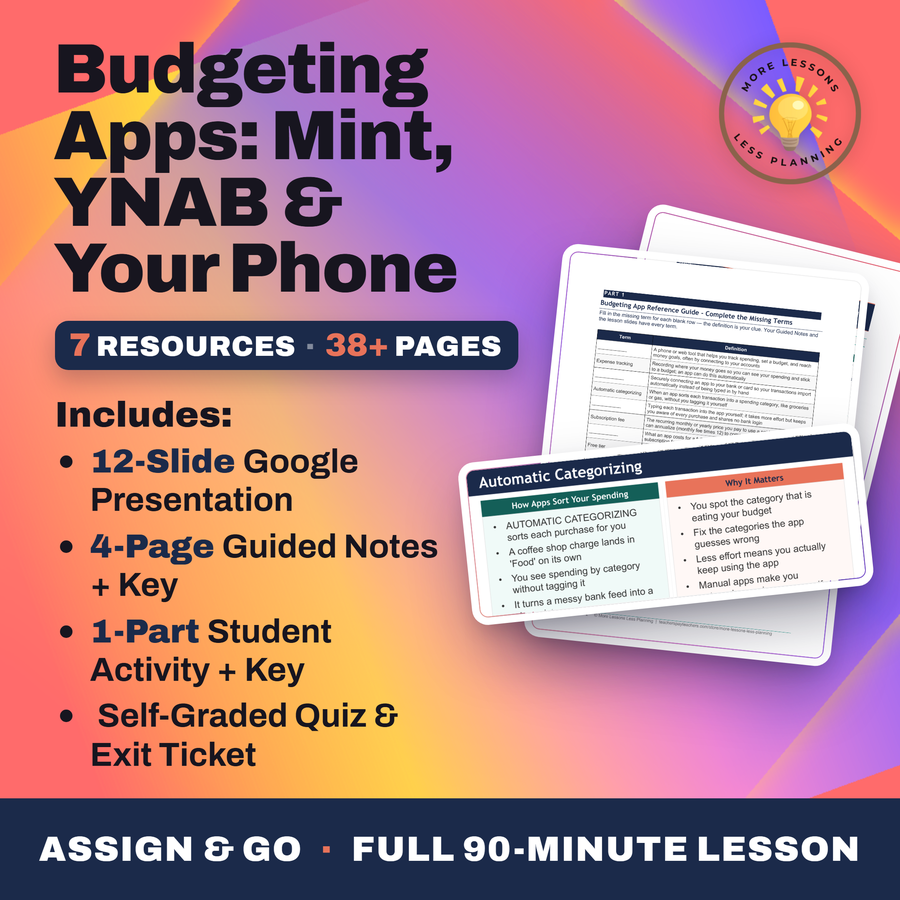
- 11 ready-to-teach files
- Format
- Word (.docx) · PowerPoint (.pptx)
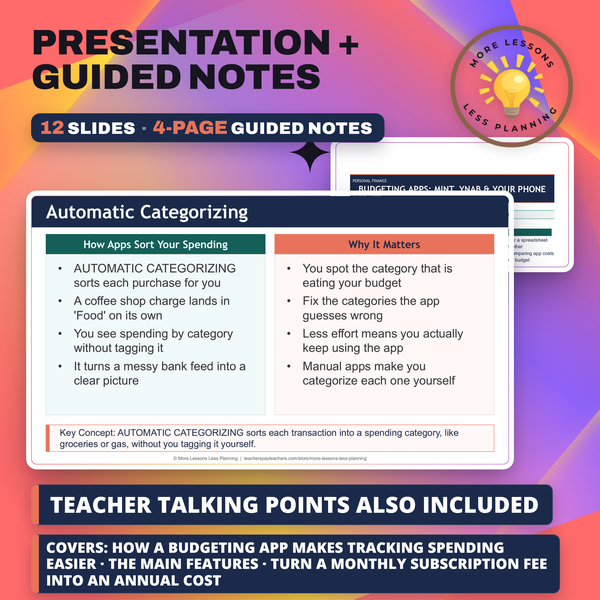
- Slide deck
- Guided notes
- Guided notes teacher key
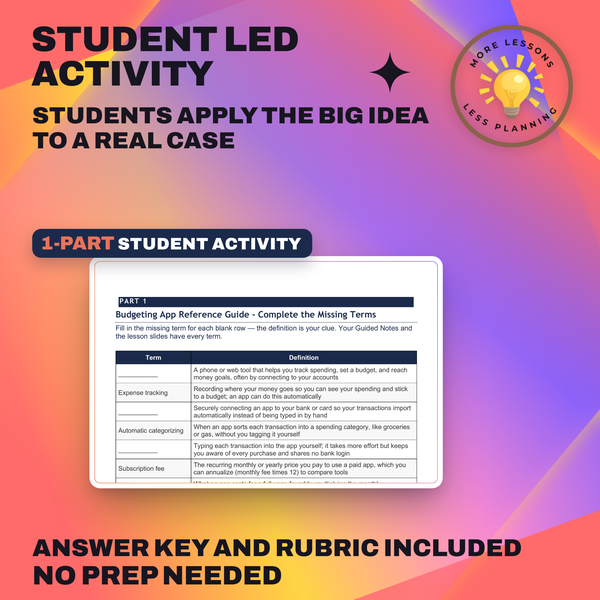
- Activity + answer key
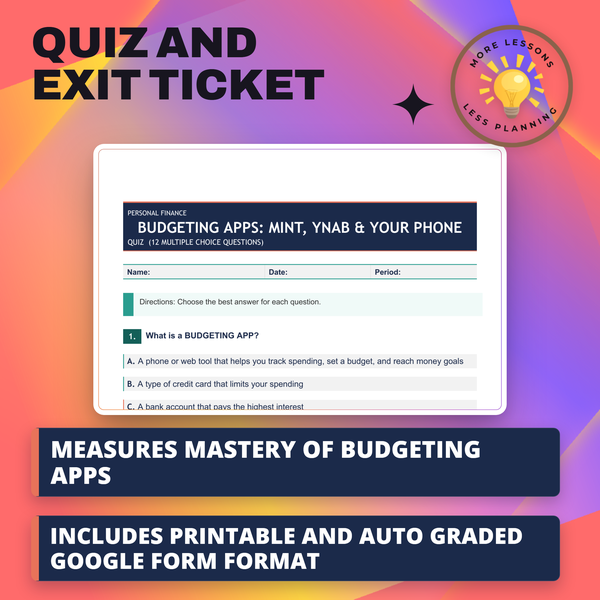
- Quiz + answer key
- Exit ticket + answer key
- Teacher guide
- Teacher presentation notes
What students do
- Explain what a budgeting app does that a paper budget or a spreadsheet can't
- Compare bank-syncing apps to manual-entry apps and weigh the privacy trade-off between them
- Turn a monthly subscription fee into an annual cost and read a bar chart comparing app costs
- Match a budgeting app to a real person's income, budget, and comfort with linking a bank account
What it covers
- Why Mint, the app most students have heard a parent mention, got shut down in 2024 and where its users landed
- Zero-based apps like YNAB and EveryDollar next to envelope-style Goodbudget and the subscription-finder Rocket Money
- The monthly-fee-times-12 formula for turning a subscription price into a real annual cost
- Automatic categorizing, spending alerts, and the bank-syncing privacy trade-off every app eventually asks you to make
Learning targets
- Explain how a budgeting app makes tracking spending easier than paper or a spreadsheet
- Describe the main features that make budgeting apps different from each other
- Turn a monthly subscription fee into an annual cost and read a bar chart comparing app costs
- Compare budgeting tools and choose one that fits a personal situation and budget
Peek inside
What a Budgeting App Does
A BUDGETING APP tracks spending and sets a budget
It does EXPENSE TRACKING - recording where money goes
Many apps connect to your accounts to do it for you
Your phone becomes a money dashboard you check daily
Why this matters
Handing a budgeting app your bank login feels routine to a generation that already trusts an app with almost everything else, which is exactly why the privacy trade-off in this lesson deserves more attention than the price tag does. Devon Carter's real $2,400 monthly numbers give students something to weigh that decision against instead of guessing.
I care less about which app wins and more about the habit of turning a monthly fee into its real annual cost, since a $7 charge looks harmless until four apps are stacked side by side over a year. That math outlives whatever app happens to be popular by the time a student actually needs one of their own.
From one teacher to another
Half my students think Mint still exists, so this one opens with the fact that it got shut down in 2024 and its users got pointed to Credit Karma, a weaker budgeting tool built around credit scores instead. From there they work through Devon Carter, a worker taking home about $2,400 a month, and use Devon's numbers to sort out what actually separates one app from another beyond a logo, things like zero-based budgeting versus digital envelopes, automatic categorizing, and whether an app syncs to your bank or makes you type every purchase in by hand. The formula I keep coming back to is turning a monthly fee into a real annual cost, since a $7-a-month app sounds cheap until you're staring at what four apps cost side by side over a full year. By the end they're recommending an app for a different worker's situation, and I want the privacy trade-off, not just the price, driving that pick.
Every file in this toolkit
-
Activity (Student)
YNAB costs Devon Carter $15 a month, and turning that into a $180 annual figure on a bar chart comes before students size a cheaper app for a second worker, Riley, who takes home $1,800 a month.
-
Activity (Answer Key)
A $15-a-month YNAB subscription works out to $180 a year for Devon, just 0.6% of one paycheck, and the same math turns Riley's $9 app into $108 a year, a slim 0.5% of annual pay that still has to fit a tight budget.
-
Exit Ticket (Student)
One item checks whether students know Mint's actual 2024 status. An $8 monthly fee becomes a yearly cost calculation, and a third item separates automatic bank syncing from typing entries in by hand, before a write on budgeting app, subscription fee, and annual cost.
-
Exit Ticket (Answer Key)
Naming Mint's 2024 shutdown, converting an $8 monthly fee into its $96 annual cost, and telling automatic bank syncing apart from manual entry each earn a rubric point built around comparing two real apps.
-
Guided Notes (Student)
Intuit shut Mint down in 2024, and section three picks up from there, weighing bank syncing against manual entry before multiplying YNAB's $15 monthly fee by 12 for its real annual cost.
-
Guided Notes (Teacher Key)
Credit Karma is the name that completes the Mint-replacement line, paired with bank syncing, automatic categorizing, and the math turning YNAB's $15 monthly fee into a $180 annual cost.
-
Quiz (Student)
Mint's 2024 shutdown shapes several questions on this quiz, along with turning a $15 or $7 monthly subscription fee into its yearly cost and weighing bank-login access against convenience.
-
Quiz (Answer Key)
The shift to Credit Karma, not Mint's absence alone, is marked correct across this whole set, closing with the math that turns a $7 monthly subscription fee into an $84 annual cost for the year.
-
Slides
Mint disappeared in 2024, and this deck moves from Credit Karma's free credit tracking to YNAB and EveryDollar's paid zero-based budgets and Goodbudget's envelope-style free tier, closing on automatic categorizing that sorts a purchase without you typing it in.
-
Teacher Guide
The apps people actually use now anchor this guide, not Mint, which shut down in 2024. Extensions annualize a household's real subscriptions, chart YNAB against Rocket Money and EveryDollar, and debate whether linking a bank account is worth the privacy trade.
-
Teacher Presentation Notes
Credit Karma is where Mint pointed users after its 2024 shutdown, a warning worth repeating before slides cover automatic categorizing, spending alerts, and the formula that turns a monthly fee into an annual cost across four current apps.
Download
Where should I send the next one?
Everything here is free and it stays that way. Leave your email and I'll send you the new lessons as they go up. You can unsubscribe from any one of them.
Related resources
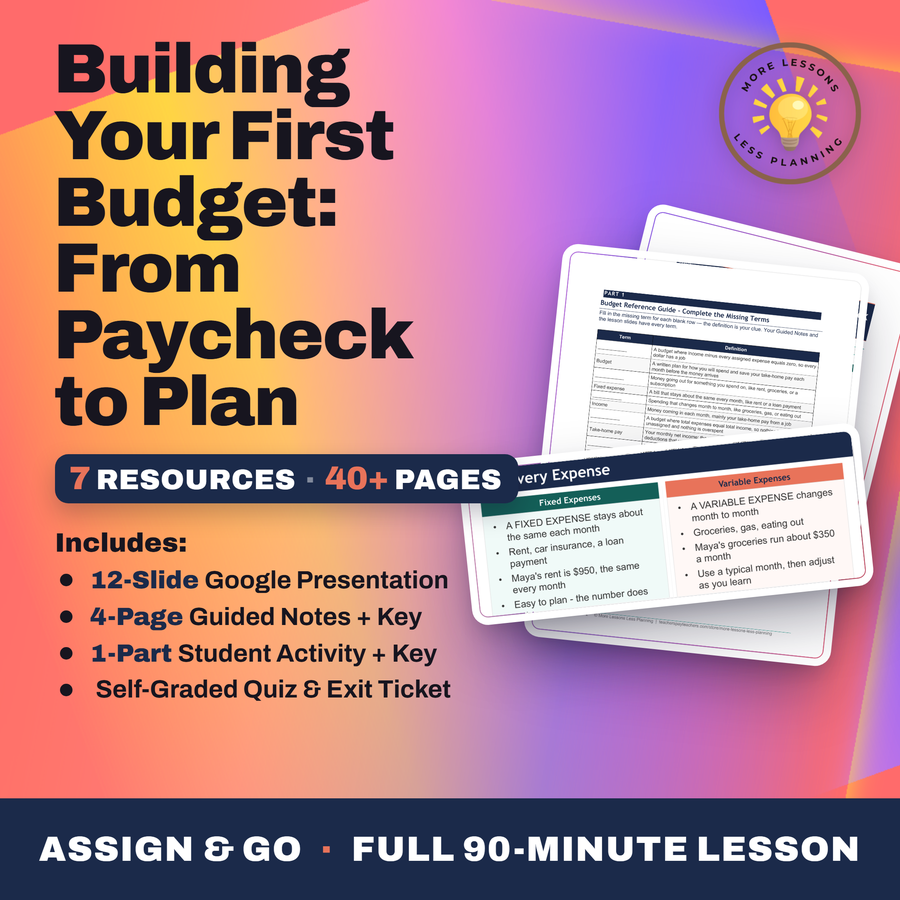
Building Your First Budget - From Paycheck to Plan
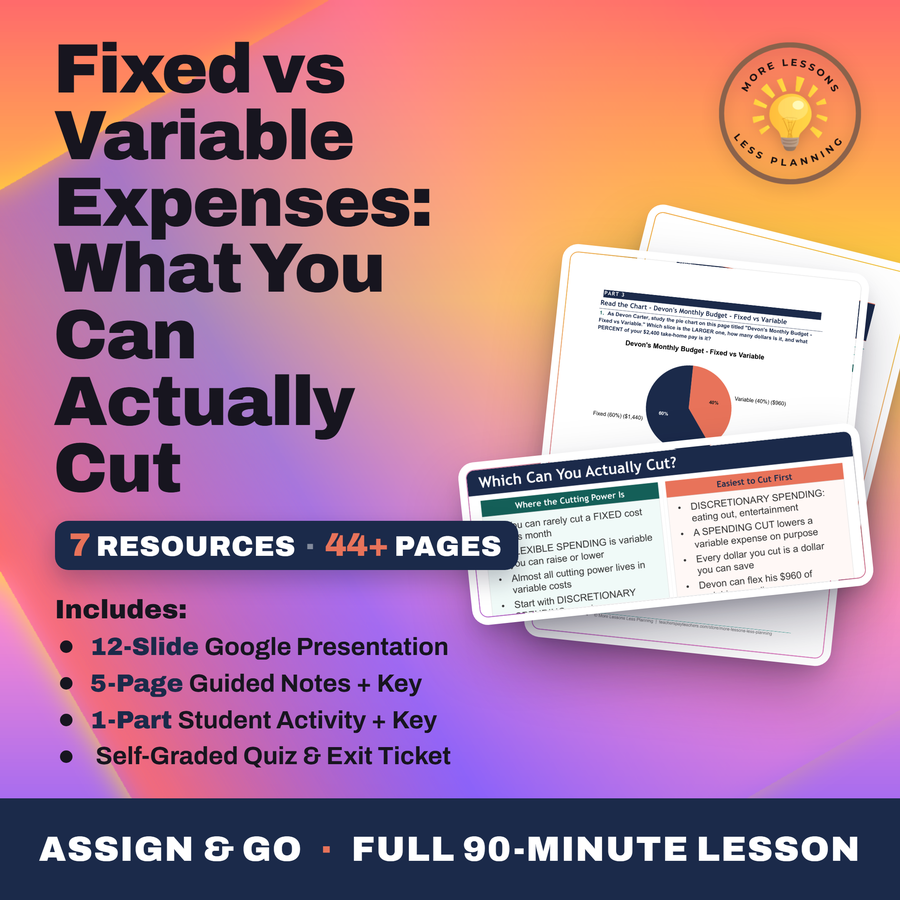
Fixed vs Variable Expenses - What You Can Actually Cut
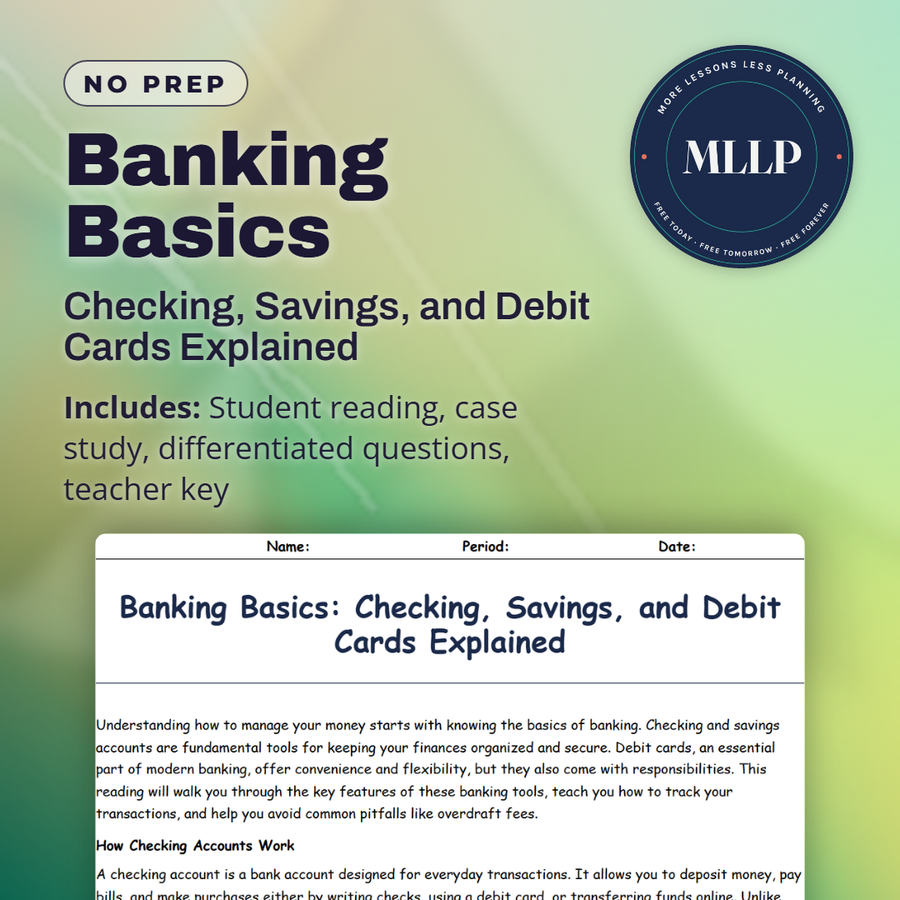
Banking Basics: Checking, Savings, and Debit Cards Explained
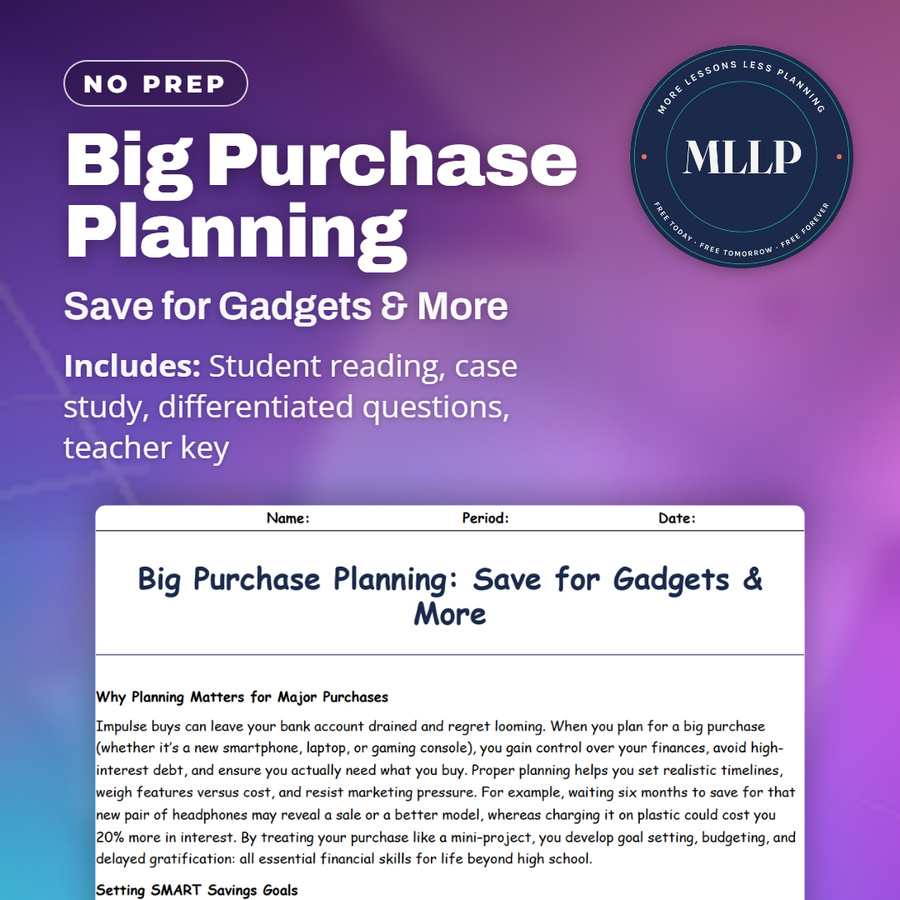
Big Purchase Planning: Save for Gadgets & More
Bonds - Lending to Governments and Companies
Budgeting Basics: How to Plan and Track Your Spending
Every lesson on this site is free to download and use. If one of them saved you a prep period, you can chip in a few bucks toward my three kids' daycare fund. That's genuinely where tips go.